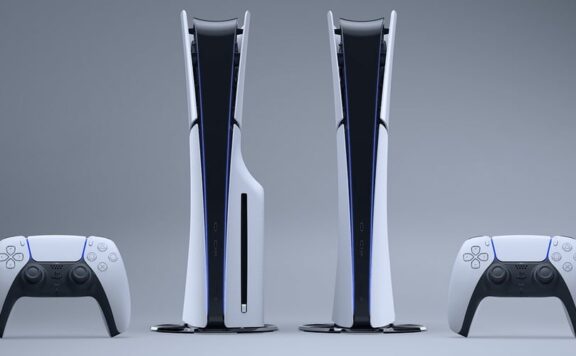
It turns out the recent update to the PlayStation 5 firmware has fixed the download queue bug that struck many owners of the consoles, but you need to do a little more to get it to work. The bug stopped games from downloading and left them in the queue, leaving the payers in limbo.
The fix is simple, if a little time consuming, here’s what you need to do.
- Make sure you have downloaded the latest system update for the PlayStation 5.
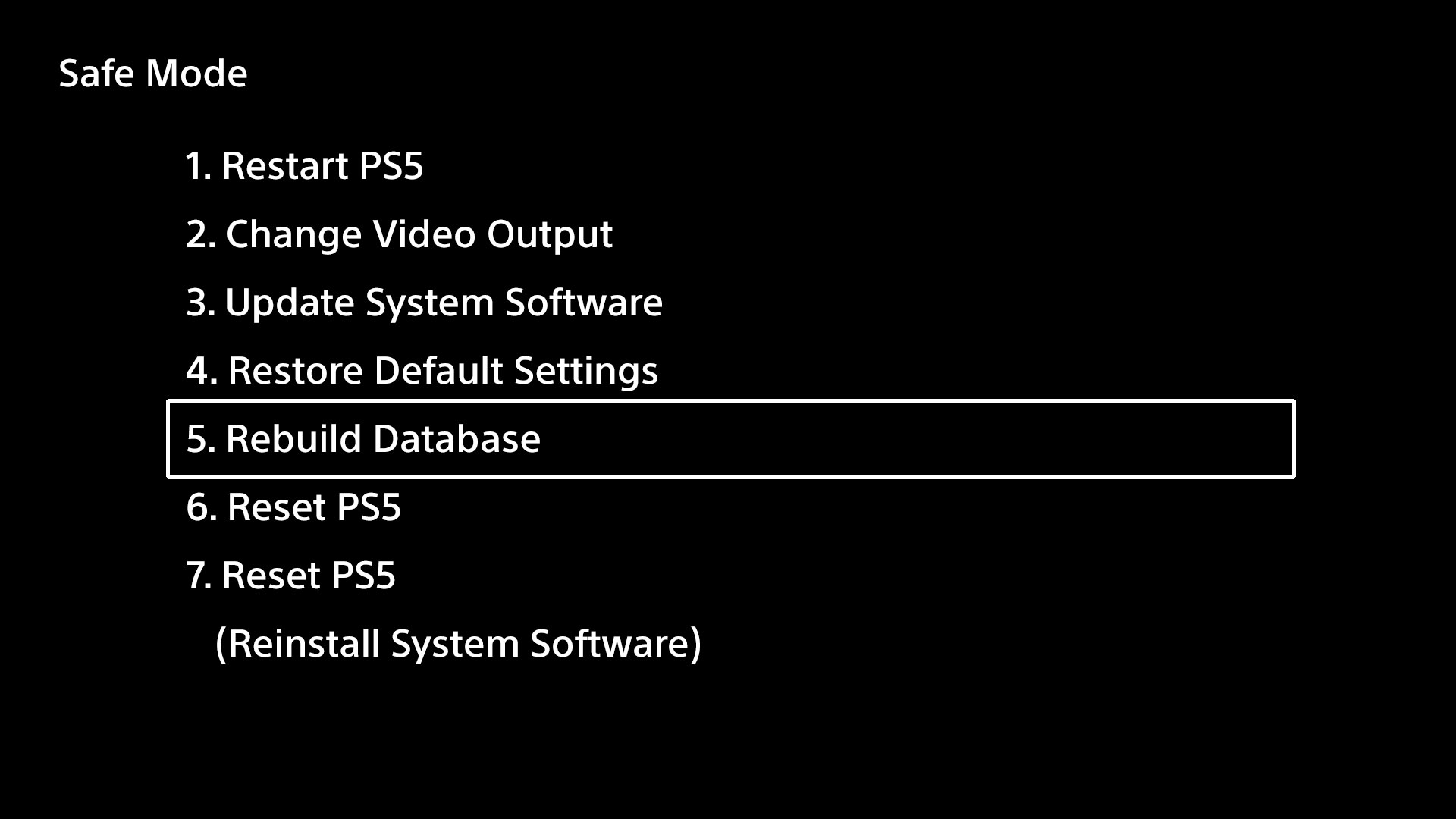
- Start you PS5 in Safe Mode. To do this, turn your console off and wait until it has powered down. Now press and hold the power button, you will here a beep as the console starts up but keep the power button pressed down until you hear a second beeo.
- Connect a Dualsense controller via USB so you can navigate the menu
- Selection option 5, “Rebuild Database”
- That’s it, wait for the PS5 to do it stuff and when it reboots you should be back in action
In other PS5 news,a number of claims have been made online of PlayStation 5 orders placed at Amazon going missing by various means. Consoles have gone missing through deliveries being falsely labelled as successful or packages with incorrect contents, with even one of our regular TSA writers having been affected.
In response to these claims, Amazon issued a statement to VGC saying, “We’re all about making our customers happy, and that hasn’t happened for a small proportion of these orders. We’re really sorry about that and are investigating exactly what’s happened. We’re reaching out to every customer who’s had a problem and made us aware so we can put it right. Anyone who has had an issue with any order can contact our customer services team for help.”
PlayStation 5 Guides and more from TheSixthAxis
- PlayStation 5 Console Review
- DualSense Controller Review
- Astro’s Playroom Review
- Marvel’s Spider-Man: Miles Morales Review
- PS5 Guide – What are Accolades and how to earn them
- PS5 Activity Cards and how they work
- PS5 Trophies – what new features to expect
Source: Twitter