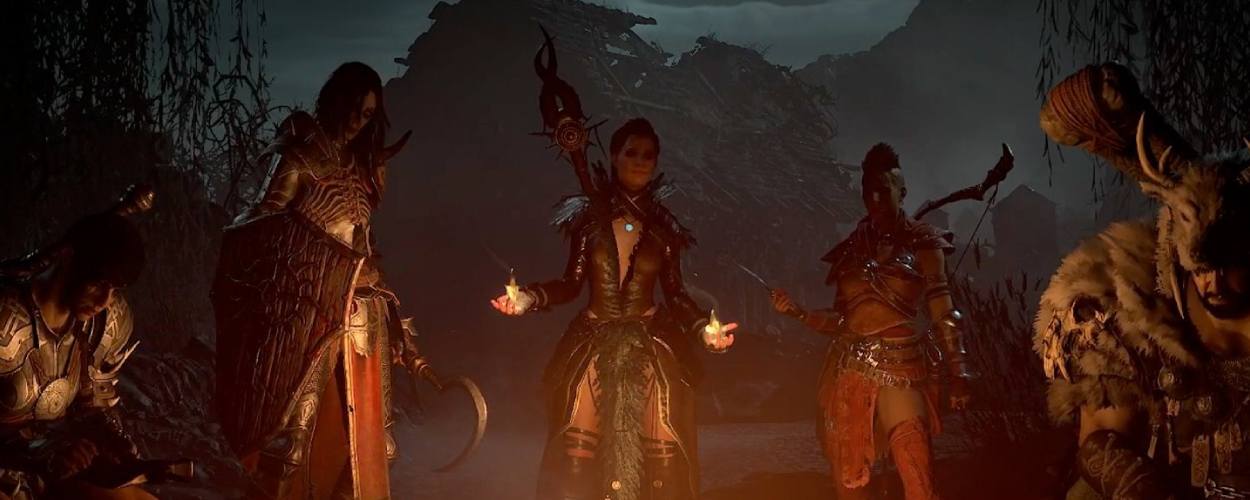

While Blizzard’s newest dungeon crawler can be played from start to finish solo, Diablo 4 split screen and online co-op certainly help dial up the fun factor.
Fighting alongside a party of fellow adventurers allows each of the game’s unique classes adopt combat roles that play to their individual strengths with tankier Barbarian and Druid builds drawing aggro while Rogues and Sorcerers zap at their health bars and Necromancers inflict debuffs and crowd control effects.
It simply wouldn’t be Diablo without the option to play with others. So what multiplayer options are there in Diablo 4?
- How to play Diablo 4 in online co-op?
- How to play with friends in Diablo 4?
- How to play Diablo 4 in local split screen?
How to play Diablo 4 in online co-op?
By default, you’ll share Sanctuary’s open world with countless other players. Whenever visiting one of the game’s several cities, you will notice other player characters roaming around and the same occasionally applies when you’re exploring the map between dungeons. In fact, the map is populated with public missions that appear frequently, enticing any nearby players to come and help with the hope that they may interact beyond these encounters, joining parties, and questing together. It’s worth noting that the max party size in Diablo 4 is four players.
How to play with friends in Diablo 4?
Playing with friends in Diablo 4 is pretty straightforward and only takes a couple of steps:
- From the in-game menu, head over to the Social tab.
- Here you can add friends to your Friend List by entering their BattleTag ID or the email address associated with their BattleTag. This will send them a friend request.
The Social tab is also handy for locating nearby players if you’re itching for some co-op. Simply highlight a player to send them a friend request. You can then invite them to your party or even request to join theirs.
How to play Diablo 4 in local split screen?
For those playing on consoles, Diablo 4 allows for local split screen (a feature currently missing from the PC version). However, there are some hoops you have to jump through to get it working, as well as some limitations that may irk a minority of dungeon crawlers. It’s worth mentioning, up top, that Diablo 4 only enables couch co-op for up to 2 players, down from Diablo 3’s parties of 4. It’s not all bad news as each player can open and navigate their own menus independently, creating a more seamless experience.
To access local split screen in Diablo 4, you need to follow these steps:
- Start the game, then have the second player sign in on your console.
- Make sure they have their own login, linked to a BattleNet account. They cannot use a temporary or guest account.
- Once logged in, hit the start/options button to drop into the co-op session.
If you are dead set on riding solo through Diablo 4, remember that you can toggle off multiplayer features in the settings menu such as disabling party invites. With that said, we’d definitely recommend hooking up with other adventurers at some point, especially as you dial up the World Tier difficulty and tackle the sequel’s more challenging swathes of endgame content.